
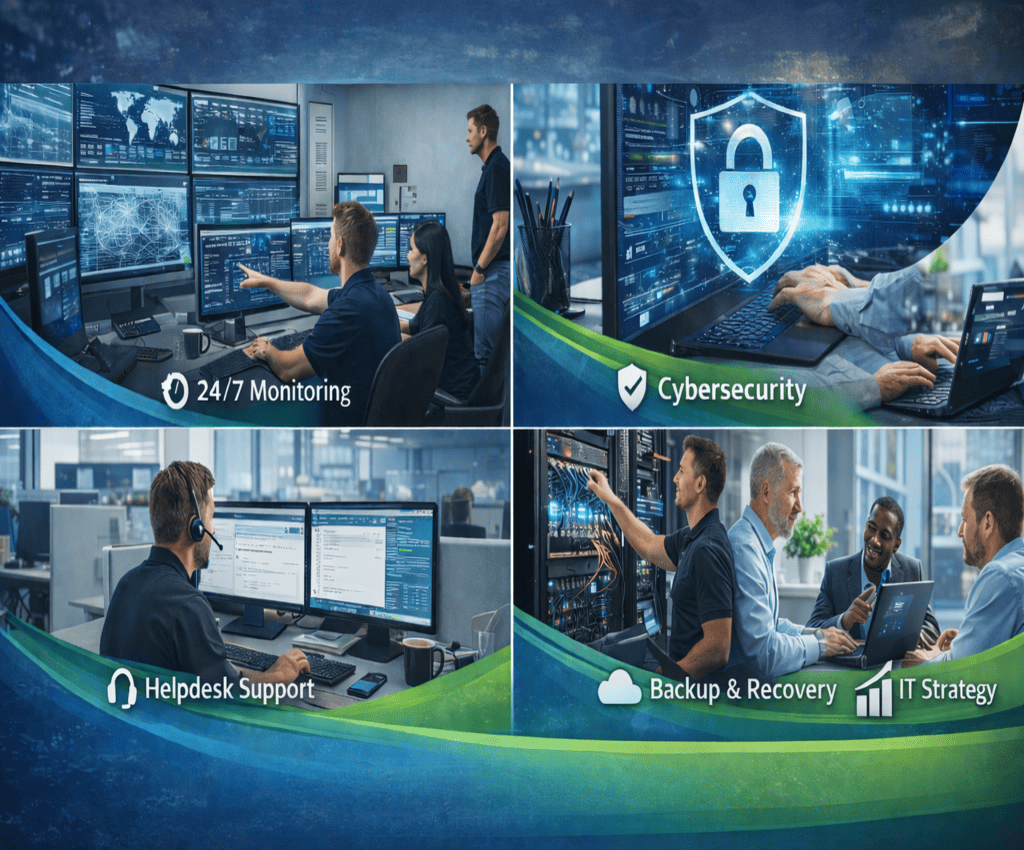
For many small and mid-sized businesses, IT is critical — but often misunderstood. Systems are expected to “just work”, and support is usually called only when something breaks. This reactive approach leads to downtime, stress, and unexpected costs.
That’s where Managed IT Support comes in.
What Is Managed IT Support?
Managed IT Support is a proactive IT service model where a business outsources the day-to-day management, monitoring, and security of its IT systems to a dedicated provider.
Instead of paying for IT help only when there’s a problem (break-fix), you pay a predictable monthly fee for continuous support, monitoring, and protection.
A Managed Service Provider (MSP) like Nexus Infotech becomes your ongoing IT partner, not just an emergency contact.
How Is Managed IT Support Different from Break-Fix IT?
Break-Fix IT
- IT is called after something fails
- Downtime occurs before action
- Costs are unpredictable
- Problems often repeat
Managed IT Support
- Issues are prevented before impact
- Systems are monitored 24/7
- Costs are predictable and budgeted
- IT is aligned with business goals
Managed IT focuses on prevention, reliability, and business continuity.
How Managed IT Support Works (Step by Step)
1. IT Assessment & Onboarding
Your MSP starts by understanding your:
- Devices and servers
- Cloud services (e.g. Microsoft 365)
- Network and internet setup
- Security posture
- Backup and recovery systems
This creates a clear picture of your current IT environment and risks.
2. 24/7 Monitoring & Alerting
Once onboarded, key systems are monitored continuously, including:
- Servers and workstations
- Network health
- Disk space and performance
- Security threats
- Backup status
Most issues are detected and resolved before users even notice.
3. Proactive Maintenance & Updates
Managed IT Support includes:
- Operating system updates
- Software patching
- Security updates
- Performance optimisation
This reduces vulnerabilities and prevents failures caused by outdated systems.
4. Cybersecurity Management
Security is a core part of modern Managed IT Support:
- Endpoint protection
- Email security
- Multi-factor authentication
- Security monitoring and alerts
- User access control
Cybersecurity is no longer optional — it’s a business necessity.
5. Helpdesk & User Support
When staff need help, they have access to:
- A dedicated helpdesk
- Remote and on-site support
- Fast response times
- Clear, non-technical communication
This keeps employees productive and reduces frustration.
6. Backup, Disaster Recovery & Continuity
Managed IT ensures:
- Backups are running and monitored
- Backups are tested regularly
- Recovery plans are documented
If something goes wrong, your business can recover quickly and safely.
7. Ongoing IT Strategy & Advice
A good MSP doesn’t just “keep the lights on”.
They help with:
- IT planning and budgeting
- Cloud strategy
- Scaling as your business grows
- Reducing long-term IT risk
Your IT starts supporting your business goals — not holding them back.
What’s Included in Managed IT Support?
While plans vary, most Managed IT Support services include:
- Proactive monitoring
- Cybersecurity protection
- Backup oversight
- Patch and update management
- Helpdesk support
- Vendor and licence management
- Strategic IT guidance
Everything is designed to deliver reliable, secure, and predictable IT.
Who Is Managed IT Support For?
Managed IT Support is ideal for businesses that:
- Rely on email, cloud apps, or remote access
- Want predictable IT costs
- Care about cybersecurity and data protection
- Can’t afford downtime
- Don’t want to manage IT internally
It’s no longer just for large enterprises — SMBs benefit the most.
Why Businesses Choose Managed IT Support
✔ Reduced downtime
✔ Improved security
✔ Predictable monthly costs
✔ Better staff productivity
✔ Peace of mind
Instead of reacting to problems, businesses gain control and confidence in their IT.
Final Thoughts
Managed IT Support shifts IT from a constant headache into a strategic business asset. By proactively managing systems, security, and users, MSPs help businesses operate smoothly, securely, and efficiently.
If you’re still relying on break-fix IT, it may be time to ask:
Is your IT protecting your business — or putting it at risk?